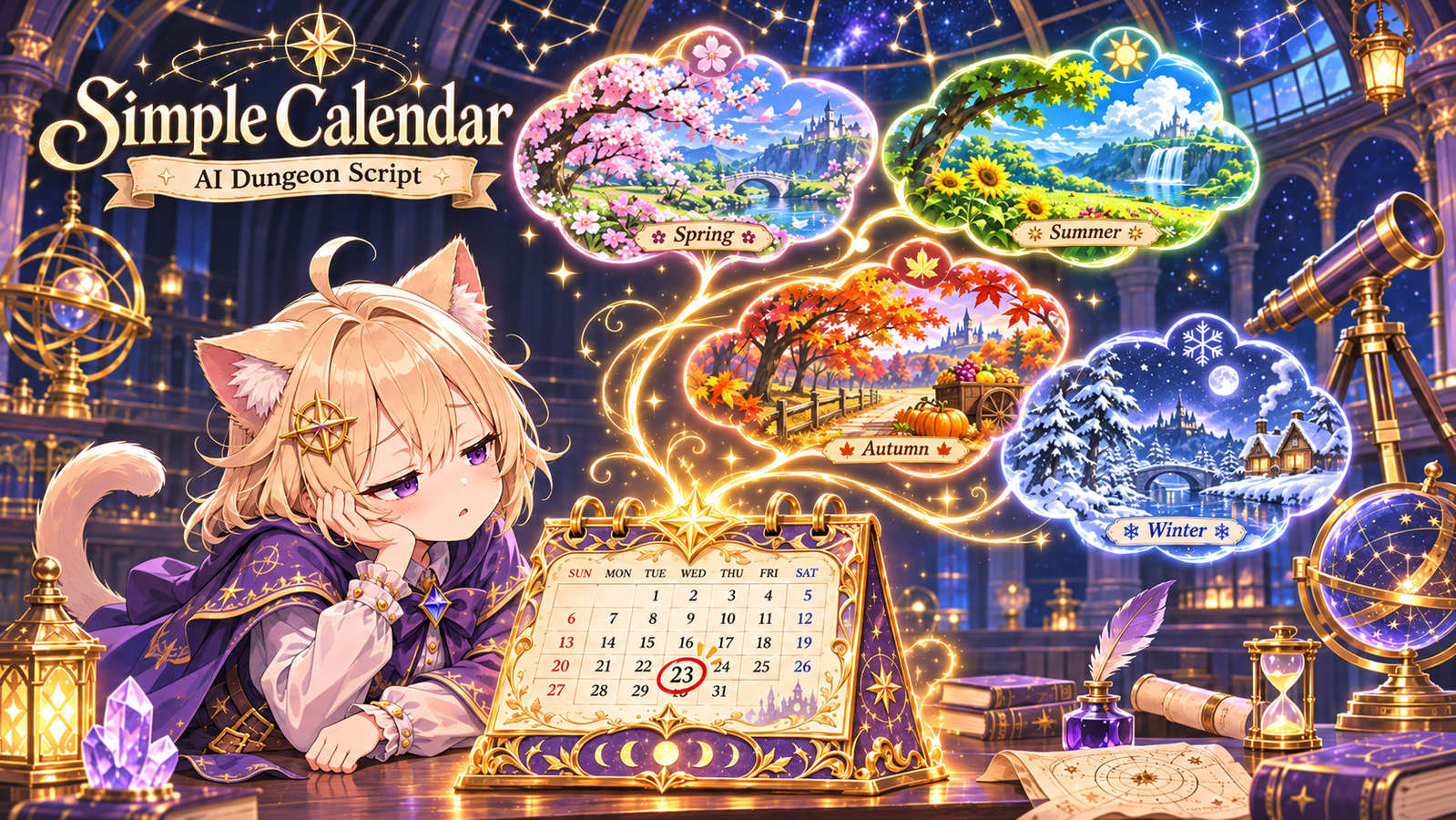
⏳ Simple Calendar
⏳ Keep track of your adventure's date and season. Skip days, weeks, months, or years while keeping the AI aware of the passage of time. ◆ COMMANDS — `:date` displays the current date and season. — `:skip night` advances to the next morning. — `:skip 5 days` advances time by a specified duration. Supports days, weeks, months, years, and combinations of them. — `:yes` and `:no` confirm or cancel longer time skips. — `:undo` reverts the latest time skip within three actions. ◆ ADDITIONAL FEATURES — Customizable date, calendar era, and auto-skip limit. — Automatic seasonal tracking. — Manual date and era editing through the calendar Story Card. — Optional Auto-Cards and Inner Self integration. Both are disabled by default. ◆ SETTINGS & TIPS — Open the `World Calendar` Story Card and edit the `Date:` line in the Entry to change the current date and era. Example: `Date: 15 March 482 Age of Magic`. — In the same card's Description, you can enable or disable the calendar and adjust the `Auto-Skip Limit` (7 days by default). — To enable Inner Self or Auto-Cards (created by @LewdLeah), open the `Configure Inner Self` Story Card and set `Enable Inner Self` or `Install Auto-Cards` to `true`. — Remember to use `:skip night` whenever your character goes to sleep. Time does not advance automatically. Enter `:help` as a Story action to get started. This is the first release, so if you run into a bug, please let me know! Simple Calendar is a lightweight edition of World Calendar, focused on time and chronology. Get the configurable source version and installation guide here: https://github.com/wertyqazx/ai-dungeon-simple-calendar