📌 Character Creator Pins
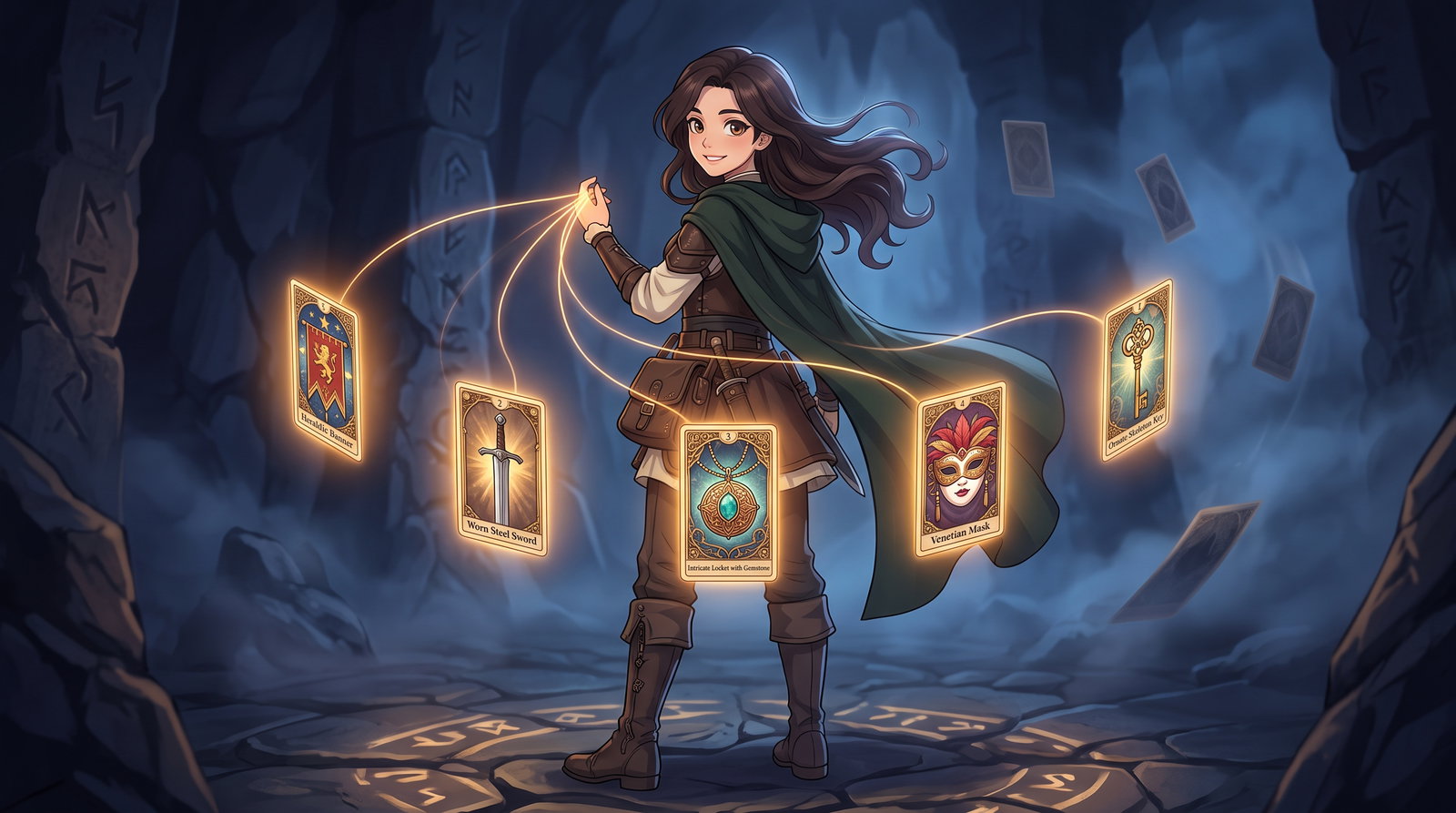
Character Creator picks stop mattering after setup. This keeps them in the story. --- When you start a Character Creator adventure, everything you pick — your race, your faction, that cursed heirloom — is a Story Card behind the scenes. The AI reads them once at the start and then, for the most part, forgets them. That is because Story Cards only get shown to the AI when one of their trigger words turns up in recent text, and Character Creator cards usually have a placeholder trigger that never appears in normal writing. Twenty turns in, the AI has no idea you chose to be a disgraced knight carrying your brother's sword. PinCCPicks keeps your picks in view. It works out which cards you chose during setup and pins them, so the AI sees them for the rest of the adventure. Your choices stay part of the story instead of fading out after the first few paragraphs. You do not have to set anything up. Drop it in, play a turn or two, and it sorts itself out. It pins in two ways at once. Your chosen cards get ticked as Pinned, and they also get a "." added to their trigger list. The second one looks odd but it is deliberate: scripts cannot set the Pinned tick everywhere yet, so the "." is there as a backup for anywhere that has not caught up. A period turns up in almost every sentence, so the card stays active either way. That means if you want to unpin one of your cards later, remove both: untick Pinned, and delete the "." from its triggers. Removing just one leaves the other still doing its job. Works on every model, including the cache-efficient ones. It never changes what gets sent to the AI, only which of your cards the AI can see, so it will not interfere with other scripts you have installed. Once it has finished, it stops for good, so anything you change afterwards stays changed.