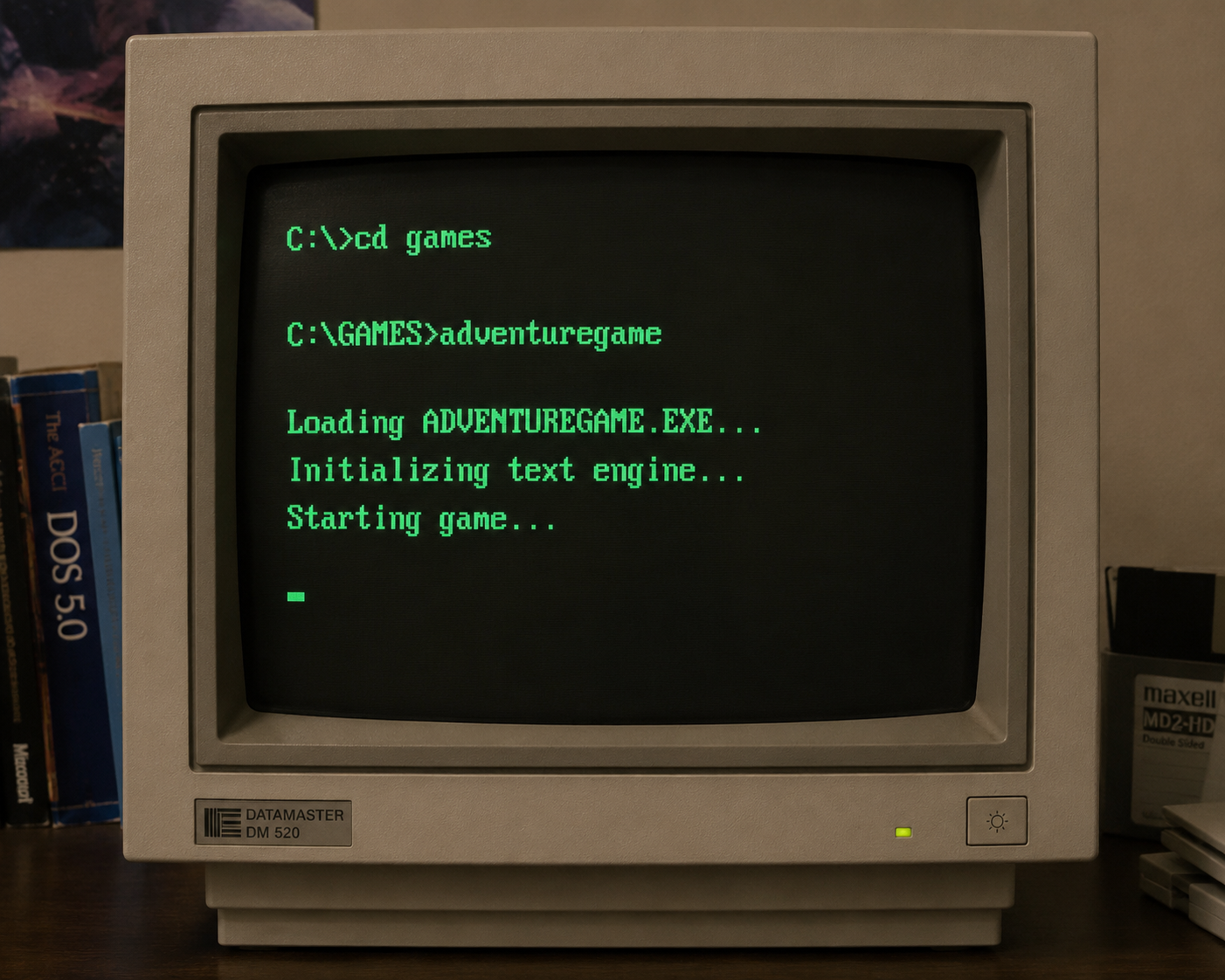
Retro Text Adventure
🕹️ HOW TO PLAY (COMMAND GUIDE) This game uses a rigid text parser. It does not understand natural sentences like "I want to look around the room" or "Can I pick up the keys?" To interact with the world, use short VERB + NOUN commands. Interactive elements in descriptions appear in ALL CAPS. 🧭 Moving Around (Navigation) Type a direction or use single-letter shorthand: NORTH (or N) SOUTH (or S) EAST (or E) WEST (or W) UP (or U) DOWN (or D) 👁️ Looking & Examining LOOK (or L) – Re-describe your current surroundings. EXAMINE [ITEM] (or X [ITEM]) – Get a closer look at an object. Example: EXAMINE CHEST or X CHEST 🎒 Inventory & Items INVENTORY (or I) – Check what you are carrying. TAKE [ITEM] or GET [ITEM] – Pick something up. DROP [ITEM] – Discard an item from your pack. 🛠️ Interacting with the World Be direct. Always start with a verb: OPEN DOOR PUSH BUTTON READ BOOK USE KEY If you type something the game doesn't expect, or forget to include the item name, you will receive an error: "I don't understand that." Actions are not case-sensitive.